
For each loyalty level, an automatic discount is created in the Booking Engine in the "Room Management" > "Promotions" page section.
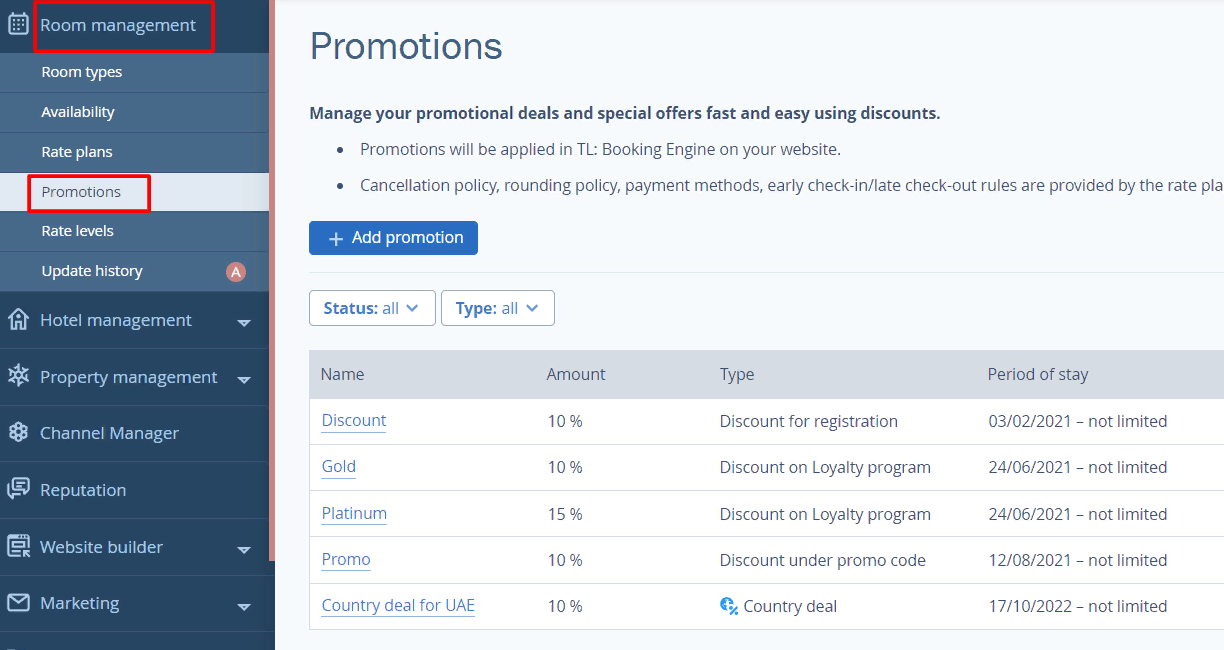
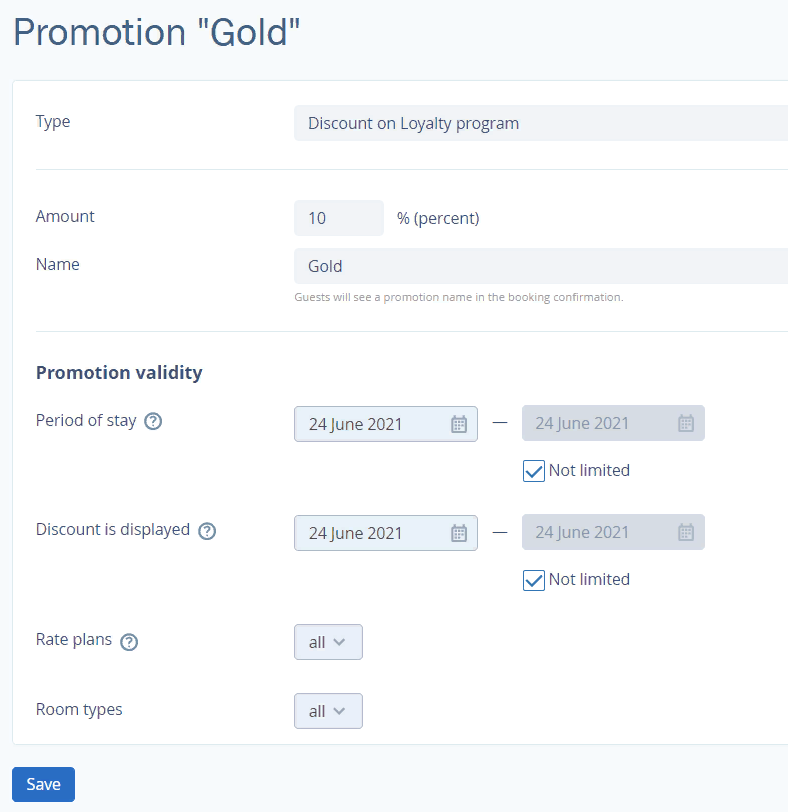
The name and the discount percentage correspond to the loyalty program settings. You can modify the following discount settings:
Period of Stay
Rate Plan
Room Type
To receive a loyalty discount in Booking Engine, the guest needs to sign up.

To ensure that each reservation is accounted for, the guest must log in to their account before making a reservation. They can sign up using their, Google, Facebook account, or any email address.
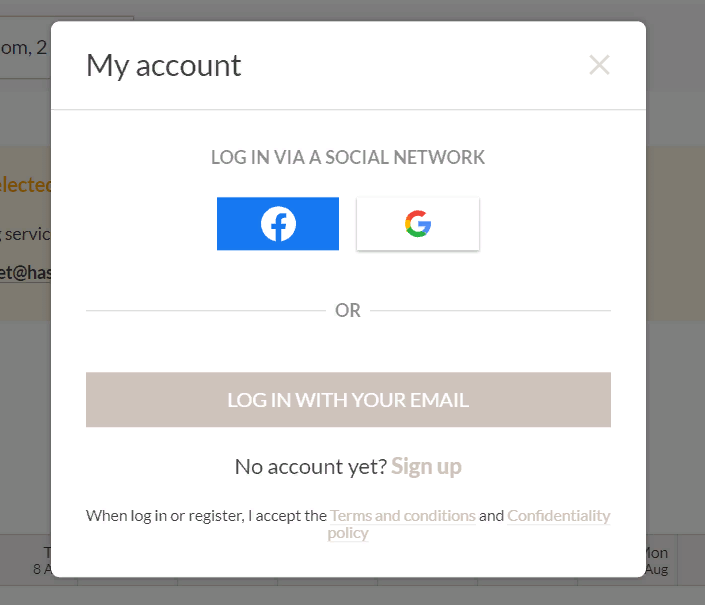
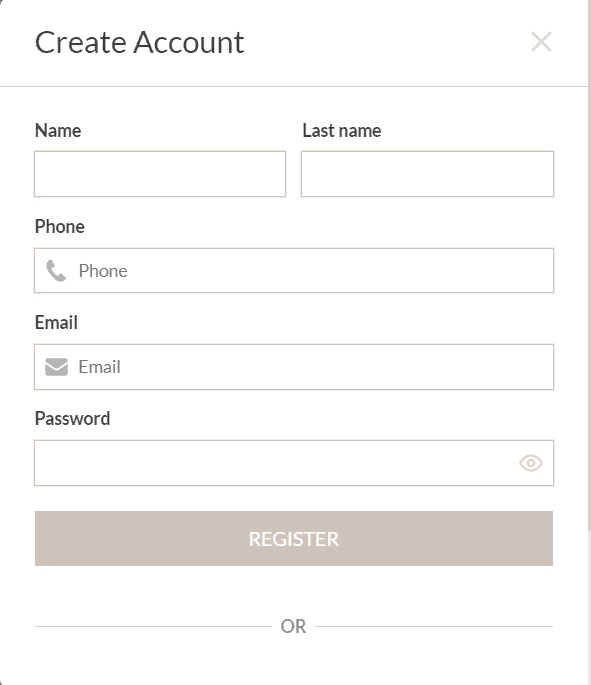
If it's the guest's first time logging in, they need to create an account by clicking on the "Sign up" button. In the pop-up window, they must fill in their details and create a password.
Registration is successfully completed.
After confirmation, the guest will receive a discount corresponding to their loyalty level.
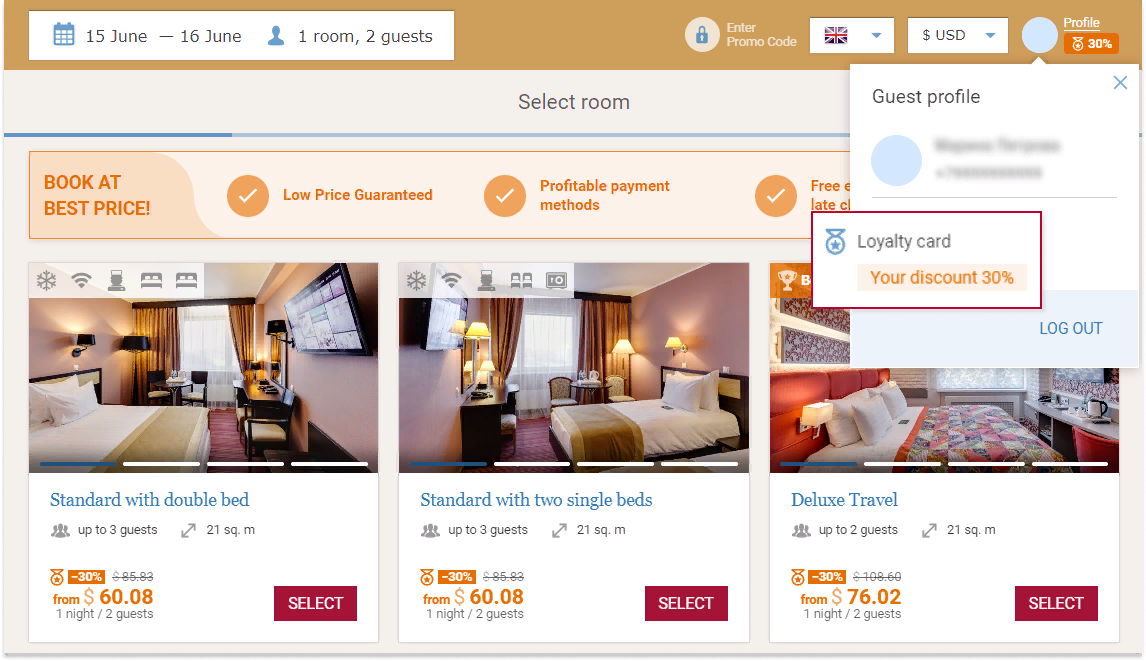
If there are other types of discounts available in Booking Engine that are higher than the loyalty program discount, the biggest discount will be applied.