
TL Extranet app is a personal TravelLine account for mobile devices.
Download the app
For Android: TL Extranet for Android
For iOS: TL Extranet for iOS
Log in
After installing the mobile app, you will see the log in screen.
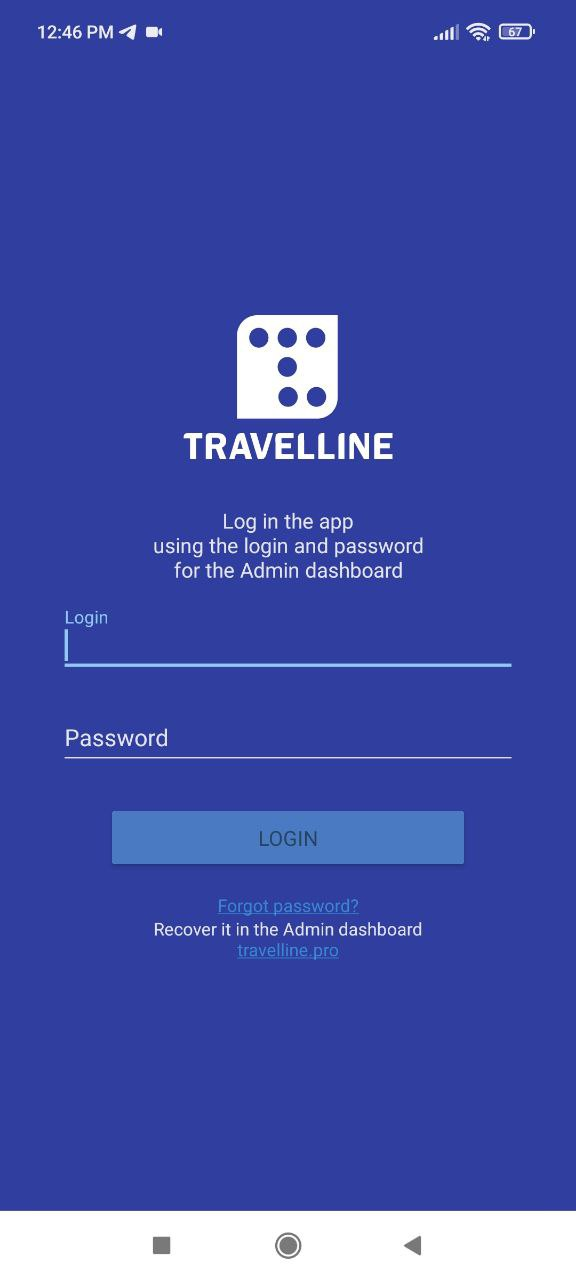
Enter the login and password of your TravelLine account and click “Login”.
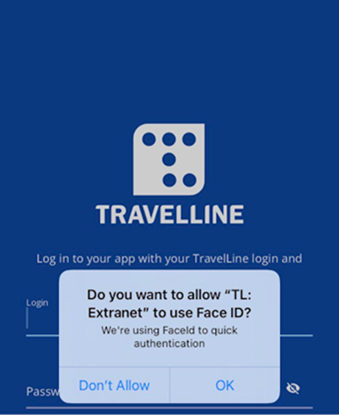
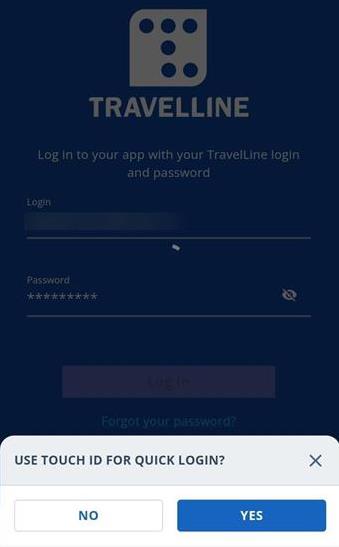
If your smartphone provides an ability to use Face ID or Touch ID for authentication, the app will ask for permission to use this functionality:
What can be done in TL Extranet
These are the things that you can do in the free app:
View information on bookings
Manage the availability
Start and stop sales
Change rates
Push-notifications
For Android users, manage the front desk.