
Manage price recommendations for several dates at once in the price calendar by using a group operation. To do this, select the cells corresponding to the dates you need.

On the right, you will see a pop-up with the set of options to select:
Approve the recommendation
Decline the recommendation
Set a custom price level
Set recommendations
Unselect the cells
Let’s take a look at how group operations settings change in the different display modes and mappings.
The “Hotel in total” calendar display mode
Go to the “Price Optimizer” > “Settings” > “Main settings”.

In the “Price calendar settings” tab, there are two calendar display modes: “hotel in total” and “room types”.

In the “Hotel in total” calendar display mode, there is no division by room type. That is why group operations are applied to all the room types at once.
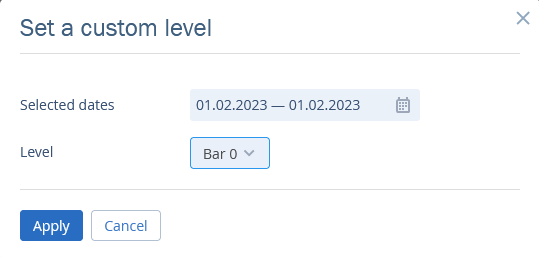
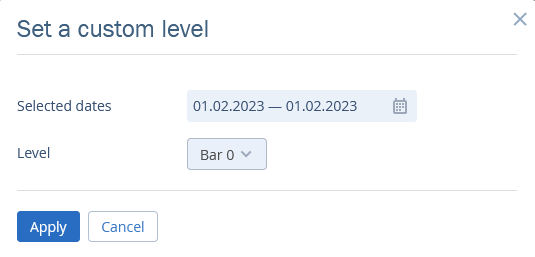
For example, when you want to select a custom price level, there opens a window where you pick a price level for all the room types.
The “Room types” calendar display mode
To select the calendar display mode go to the “Price optimizer” > “Settings” > “Main settings”.
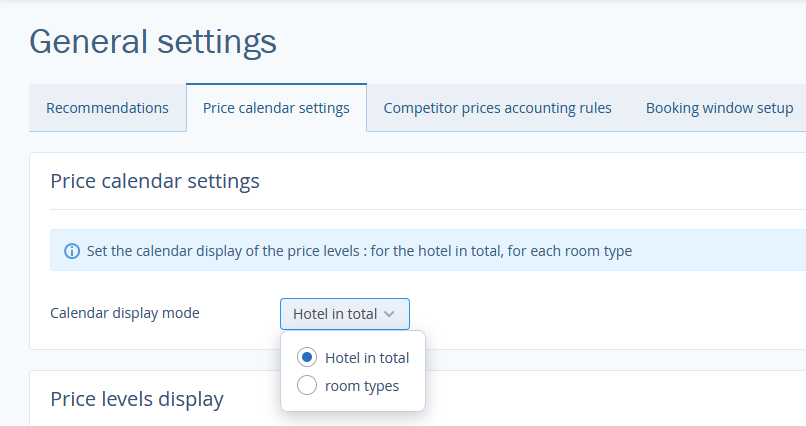
In the “Room types” calendar display mode, the recommendations are displayed for each room type separately. In this case, the prices are applied for all the room types.
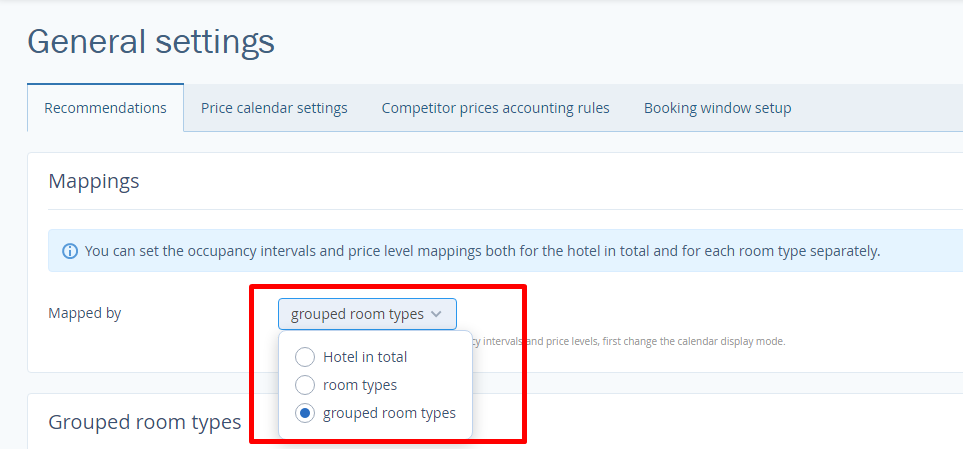
Set the the mode of mapping occupancy intervals and price levels in the "Recommendation" tab. Depending on the mode recommendations will be applied for the hotel in total, room types or grouped room types.
The “Hotel in total” mapping type
When you select this mapping type, group operations are performed for the entire hotel:
The “Room types” mapping type
When you select this mapping type, group operations are performed for specific room types.
For example, when approving price level recommendations, in the pop-up, you will see a tab with the current room type and a tab with the rest of the room types. In the second tab, you can select the room types to which the operation will be applied.
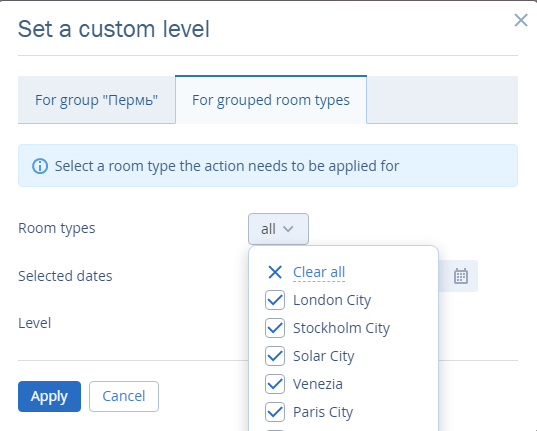
The “Grouped room types” mapping type
When you select this mapping type, group operations are performed for groups of room types.
For example, when approving price level recommendations, in the pop-up, you will see a tab with the group where the current room type belongs and a tab with the rest of the groups. In the second tab, you can select the room types to which the operation will be applied.