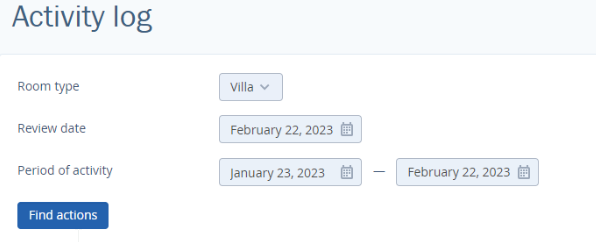
“Activity log” section displays action history on the selected day for the selected room type.
To see action history:
Select room type
Set review date
Select period of activity
Click on the “Find actions” button
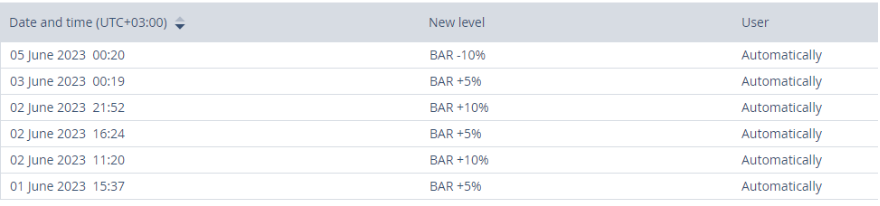
There is action history and changes of price levels applied for the room type on the necessary date in the “Actions history” tab.

Action history includes the following points:
Date and time when changes are done
Change mode - displays which mode is used on price change. Note: this column will not appear if during the selected period prices are changed by the hotel or by the room type.
Price level.
User. There is a login name who has made changes or has approved the price recommendations. If TL Price Optimizer works in automatic mode the column “User” displays “automatically”.
5. Action type can be “Approved”, “Declined” or “Manual entry”.